Rig Readiness
Unit readiness, backed by a complete record
Summit connects rig checks, par levels, equipment, and maintenance so crews can complete the work and leaders can see the result.
Configurable checks
Your check sheet, built into Summit
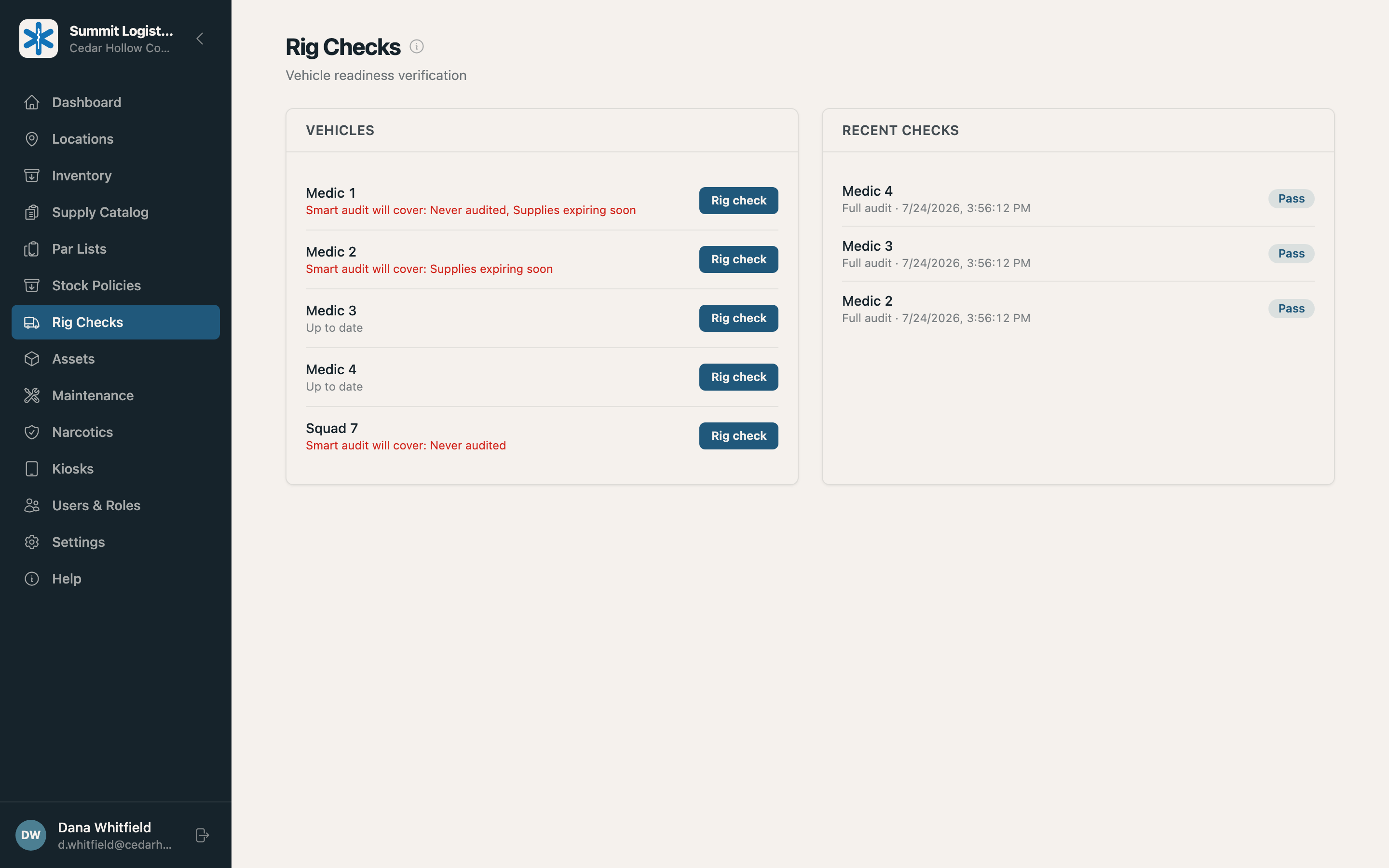
Set the par level, inspection questions, required equipment, mileage, and fuel rules without custom code. Run a full or focused audit.
- Update inventory as items are verified
- Capture lot and expiration when required
- Confirm required equipment
- Make mileage and fuel optional or required
Field-built audits
Count what needs attention
Set the thresholds. Summit tells crews what to count and why it is on the list.
- Never audited
- The item has no count on record yet.
- Past its interval
- The item is due under your audit policy.
- Moving fast
- Movement has crossed the threshold you set.
- Expiring soon
- The earliest lot is inside your expiration window.
- Flagged for review
- Activity no longer aligns with the last count.
In the field
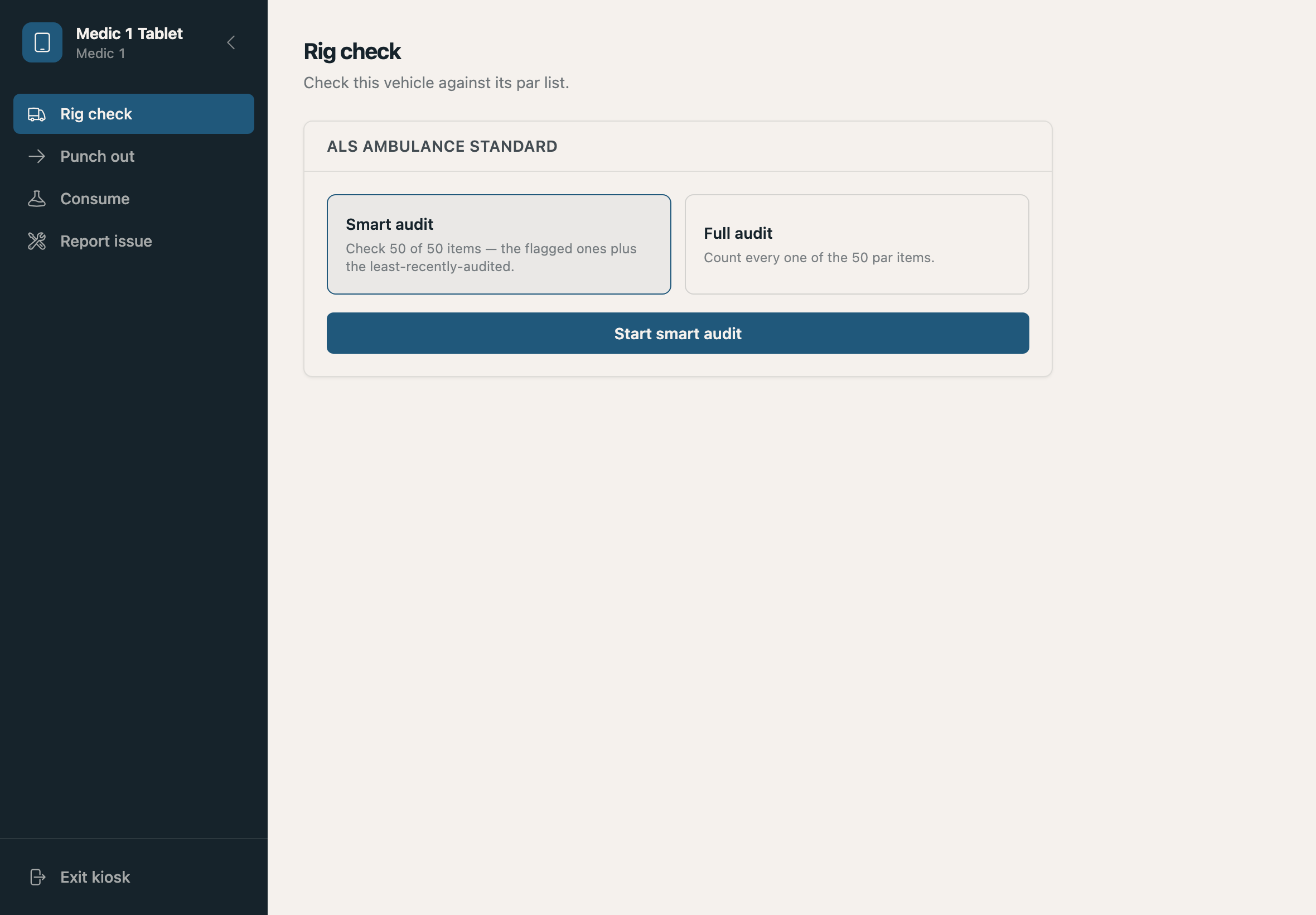
Open the tablet. Start the check.
Each tablet stays tied to its unit. Crews begin without choosing a truck or signing in, while supervisors see the same current record.
- One item at a time
- Hardware or camera barcode scanning
- Pass-or-fail inspection questions
- Progress saved as work is completed
Maintenance
A failed check becomes trackable work
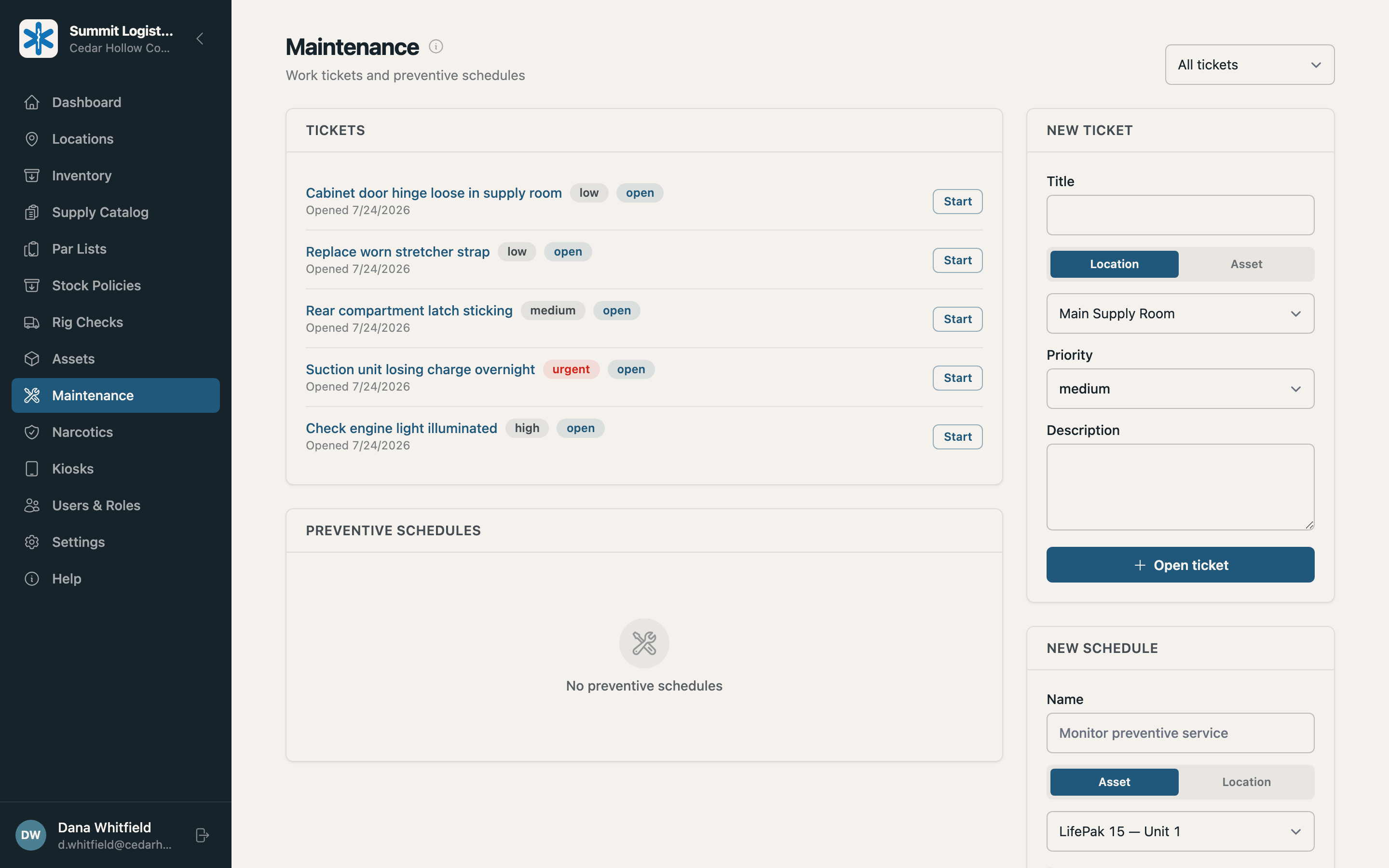
Crews report issues from the same tablet. Summit ties each ticket to the unit or equipment and keeps its priority, photos, updates, and status together.
- Tickets by location or equipment
- Preventive schedules
- Alerts for urgent issues
- Photos and comments on the work record
Equipment
Know where critical equipment is
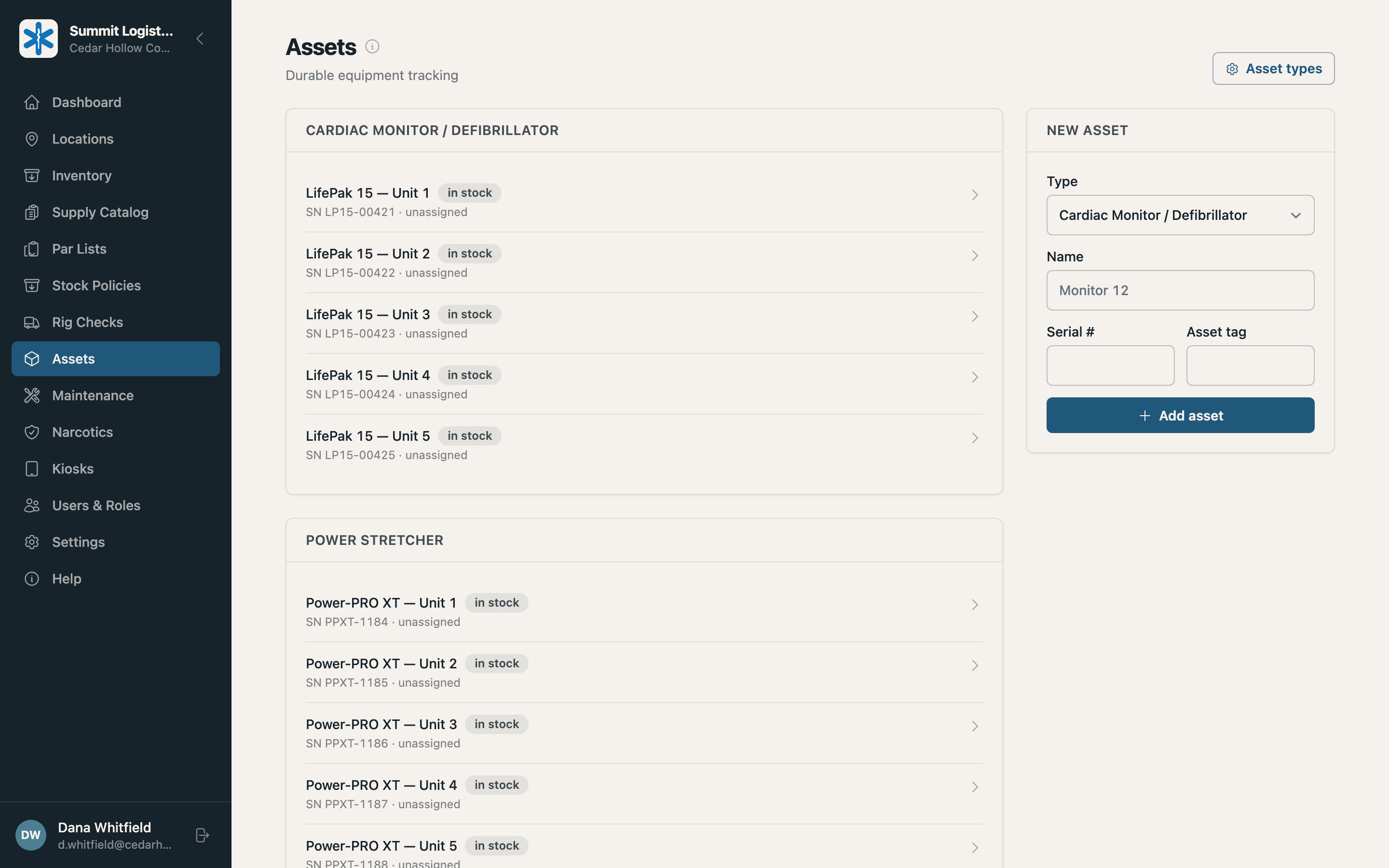
Define each equipment type once, then track every unit’s location, status, readings, and assignment history.
- Details captured during rig checks
- Pass rules for equipment readings
- Assignment history between units
- Required equipment on the par list
See your check sheet in Summit
Bring a par list. We’ll configure a demo around your standards and run the check from start to finish.